
Moving from Google Sheets
Keep your fee structure. Lose the copy-paste and the group forwards.
How import works
- 1
Download our template or use your sheet
Use the columns you already maintain — student name, class, parent number, amounts. We map the rest on a shared screen share.
- 2
Class matching
We match your class names to Sevvi — including nicknames like “LKG A” or “Std 5 Blue”. You confirm before anything is saved.
- 3
Siblings grouped
Brothers and sisters sit in one family fee card so reminders and receipts make sense to parents.
- 4
Opening balances
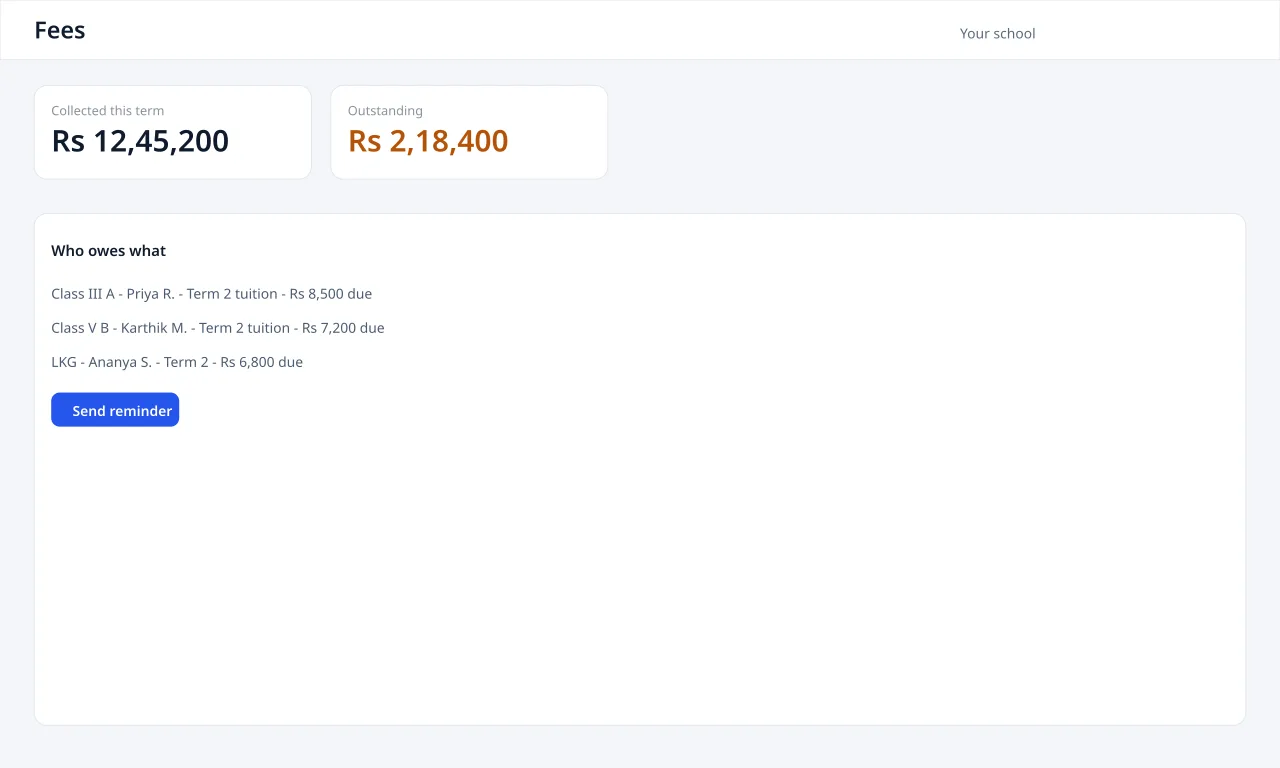
Fees already collected this year stay marked paid. Only the remaining balance is chased.
- 5
Undo if something looks wrong
An import batch can be undone while you are still checking — before reminders go out.
We do it with you on a call. Your office stays in control of the numbers.